 Hourfold
Today at a glance
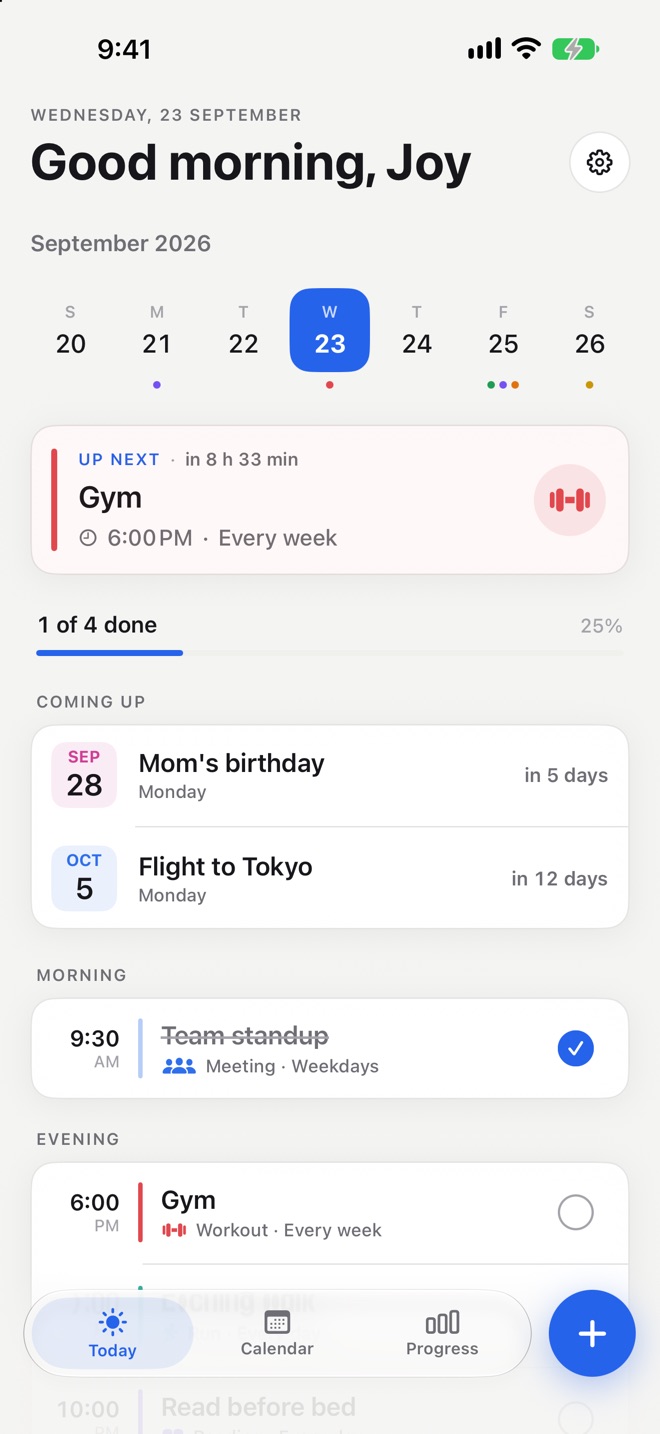
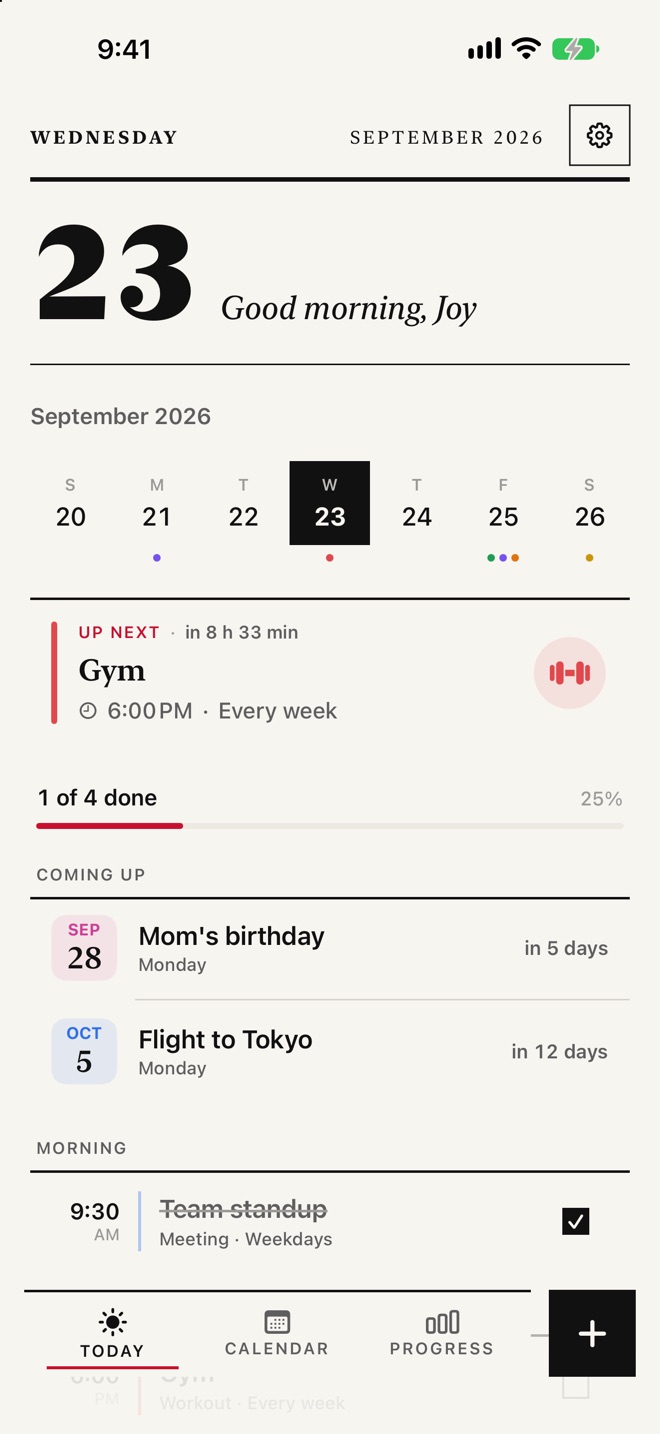
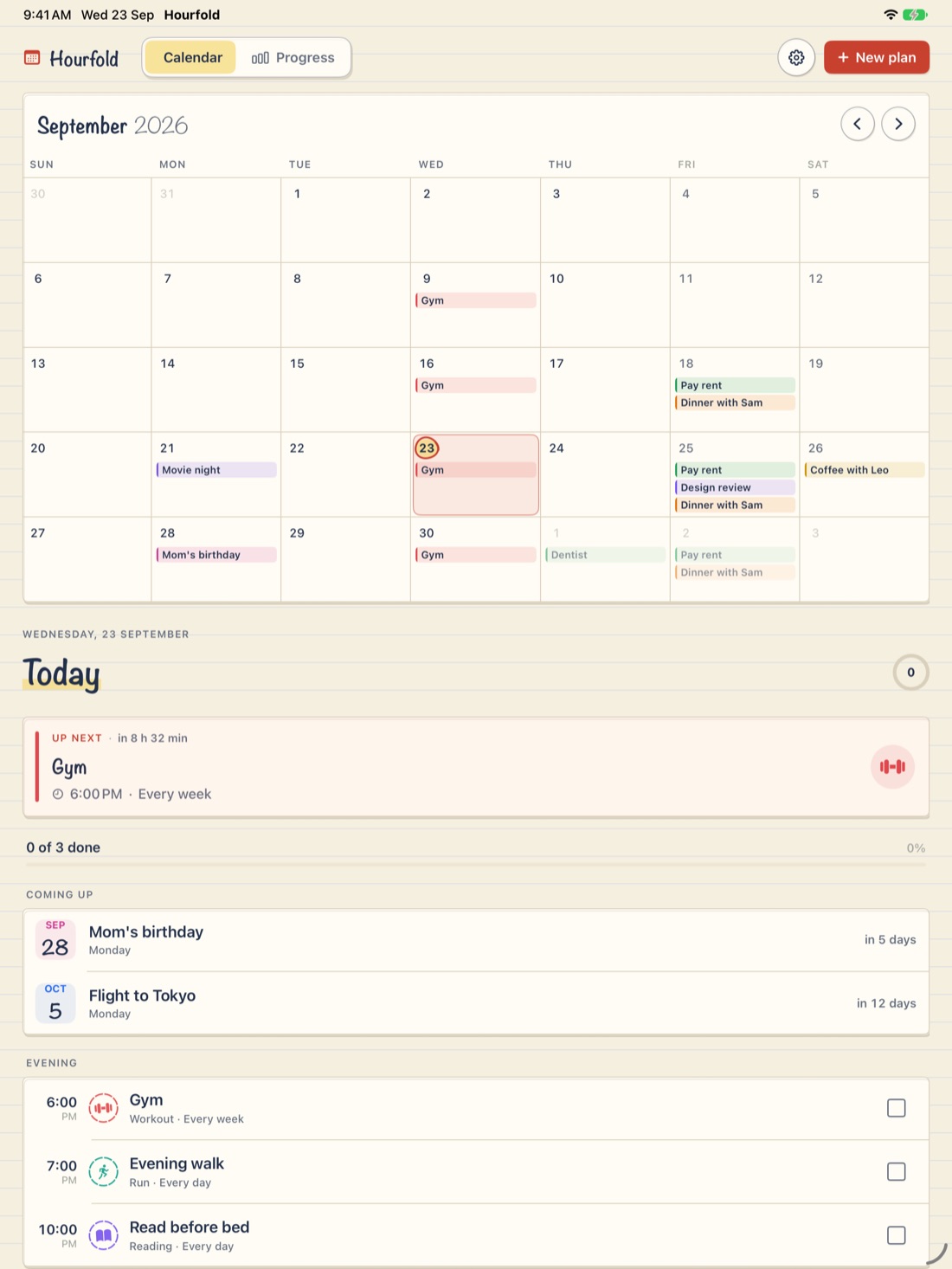
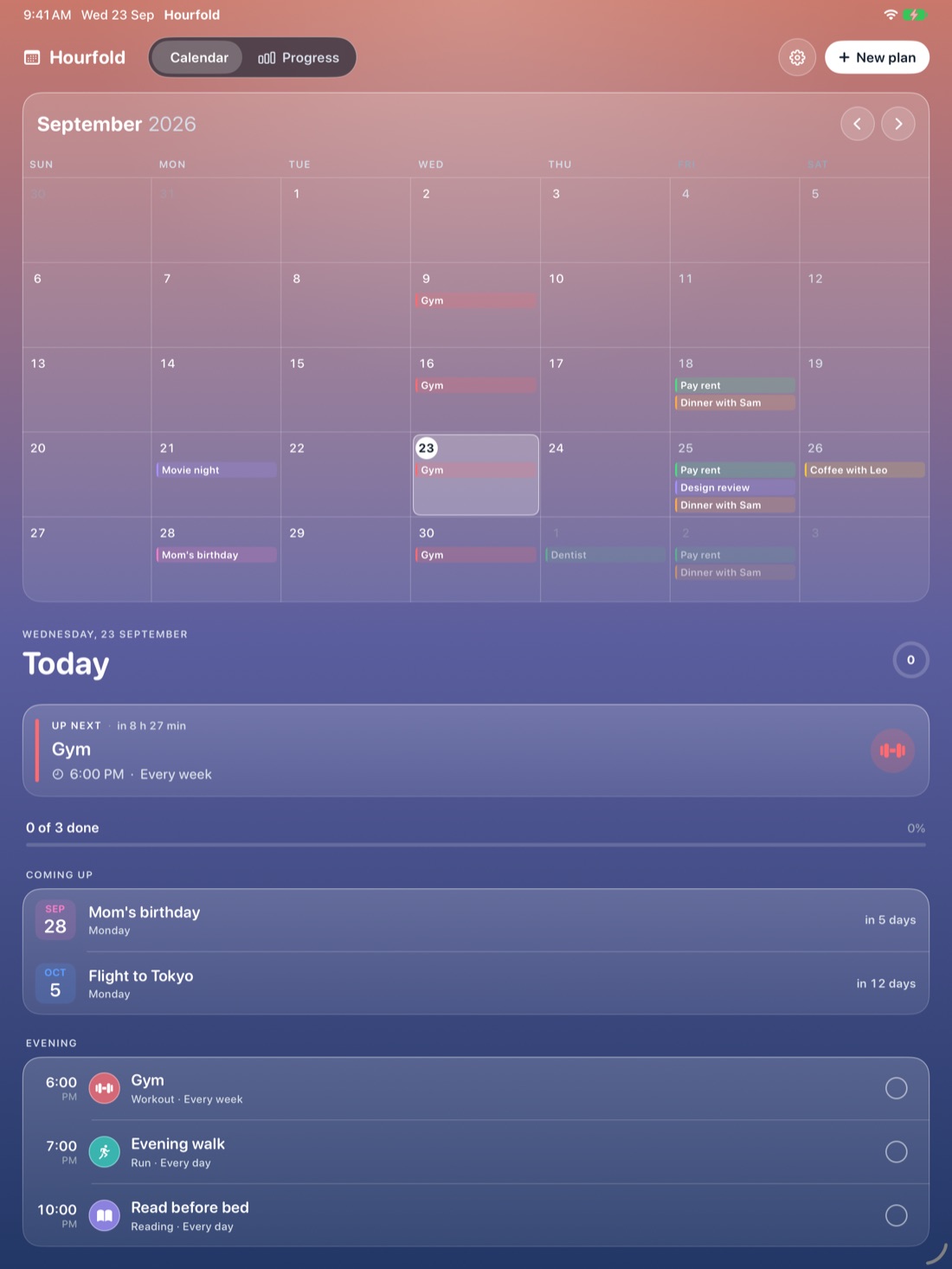
What's up next, how far along you are and the big days ahead, with plans grouped into morning, afternoon and evening.
Made for iPhone Duo
A calm calendar built for the foldable iPhone. Open it and your month meets your day. Close it and today waits on the cover screen.
This is the real layout. Tap a day, tick a plan, fold it.
One app, three shapes
Hourfold lays itself out for the space you have. Each way you hold the Duo gets its own layout.
Everything in its place
Open it and you see what's next, what's done and what's coming up. Nothing else.
What's up next, how far along you are and the big days ahead, with plans grouped into morning, afternoon and evening.
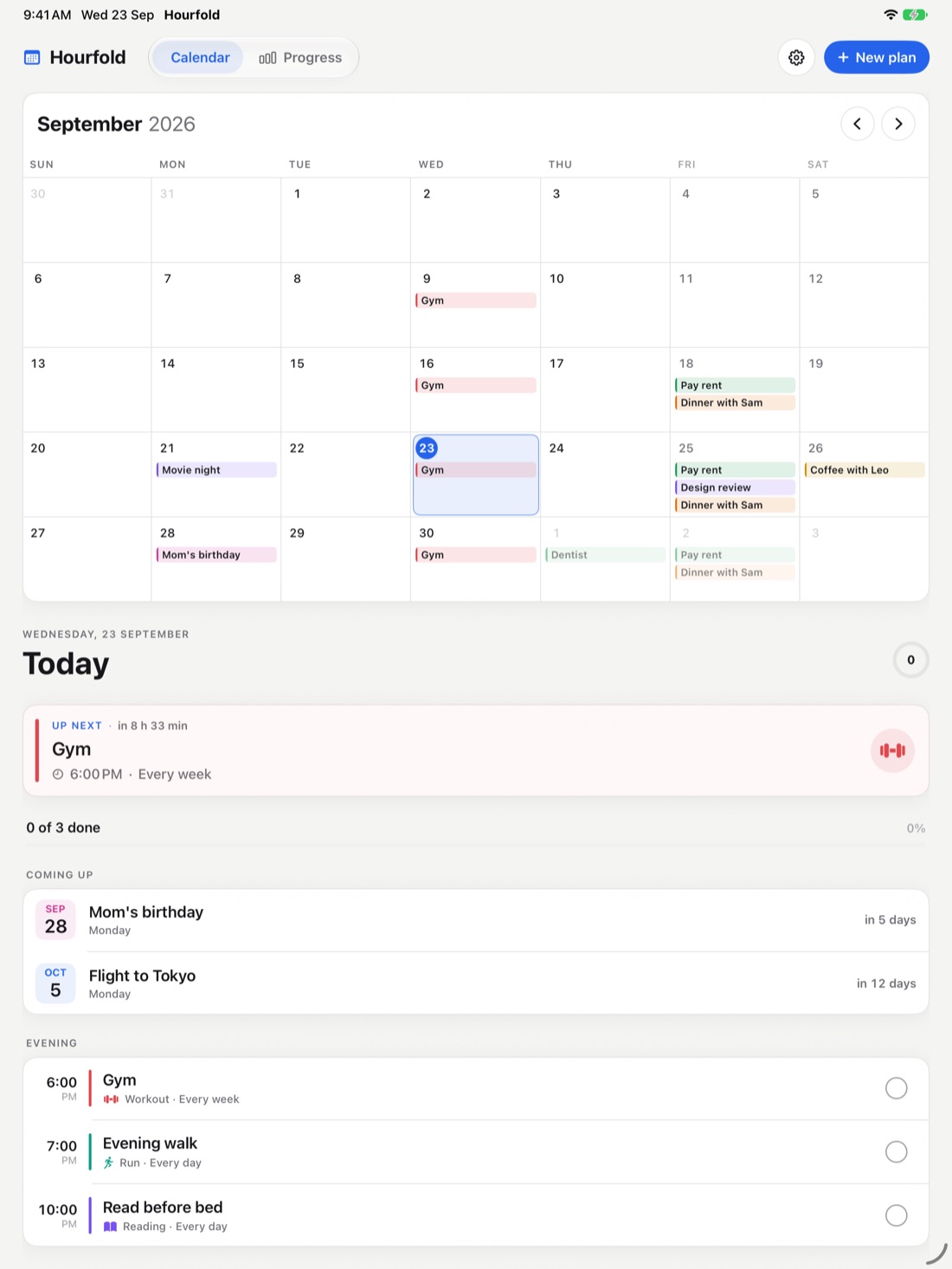
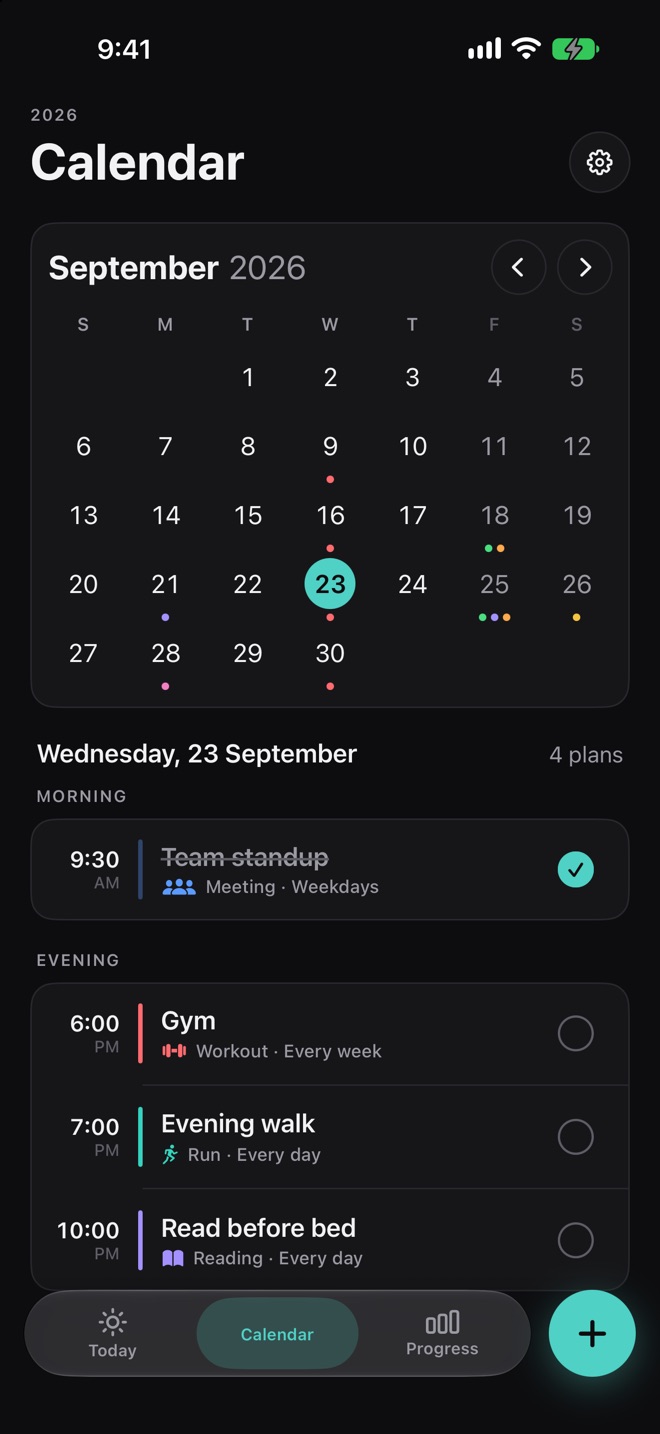
Every plan color-coded on a clear month. Repeats daily, on weekdays, weekly or yearly.
Birthdays, trips and the days that matter, counted down on Today and on your Home Screen.
An alert when each plan starts. Or ask Siri:
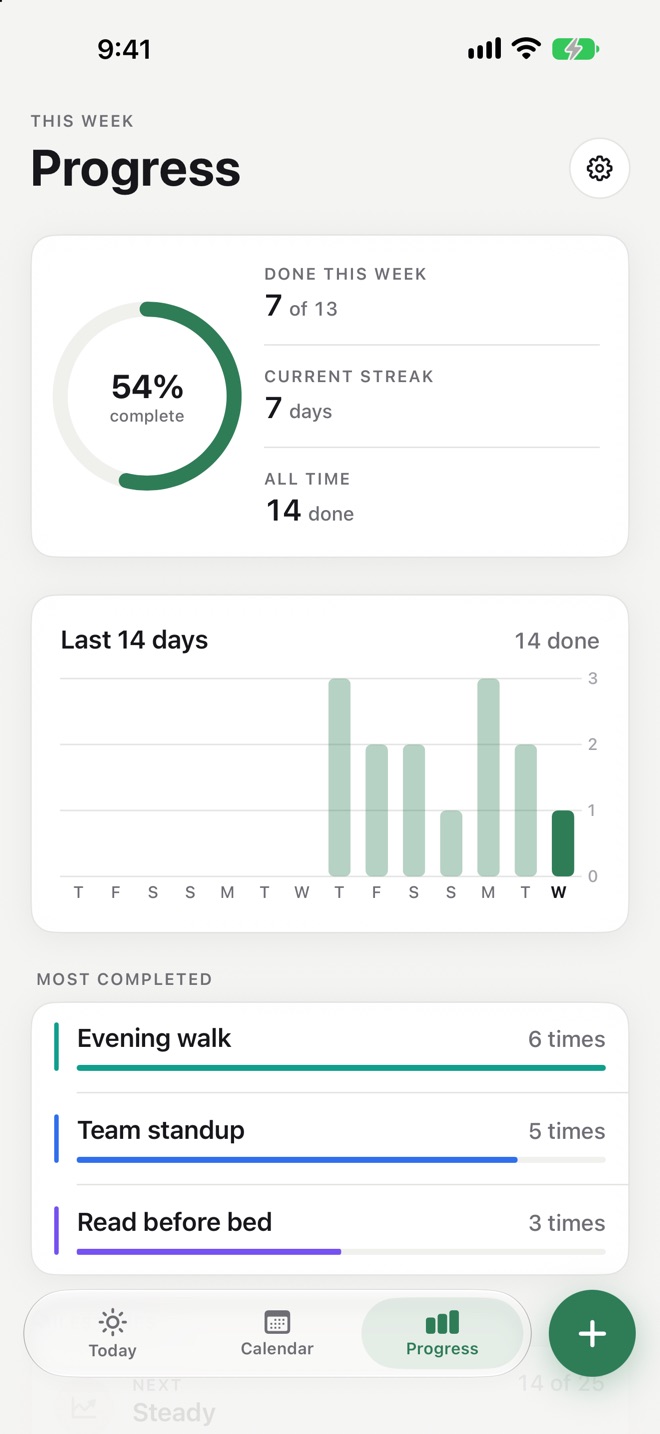
See how much of your week is done, with a 14-day chart, your current streak and milestones to reach.
Today, Agenda, Day and Countdown for your Home and Lock Screen. Tick plans off right from the widget.
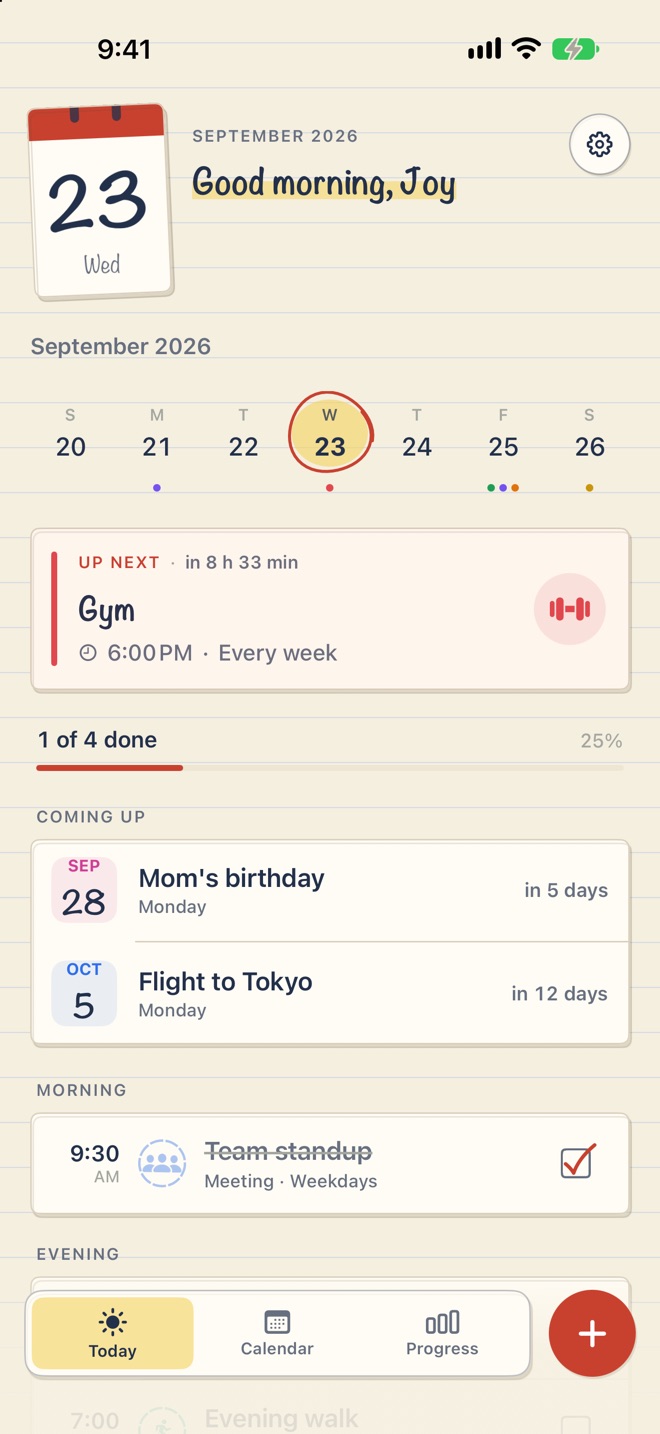
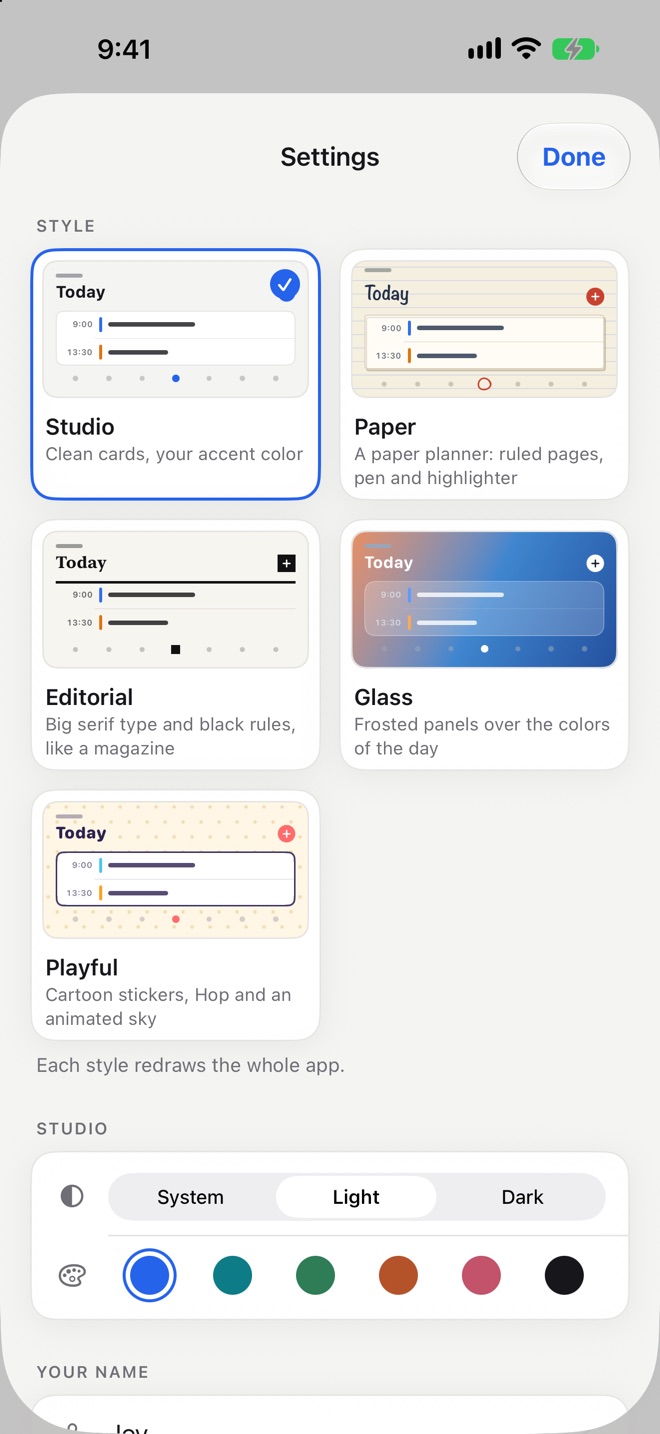
Five styles
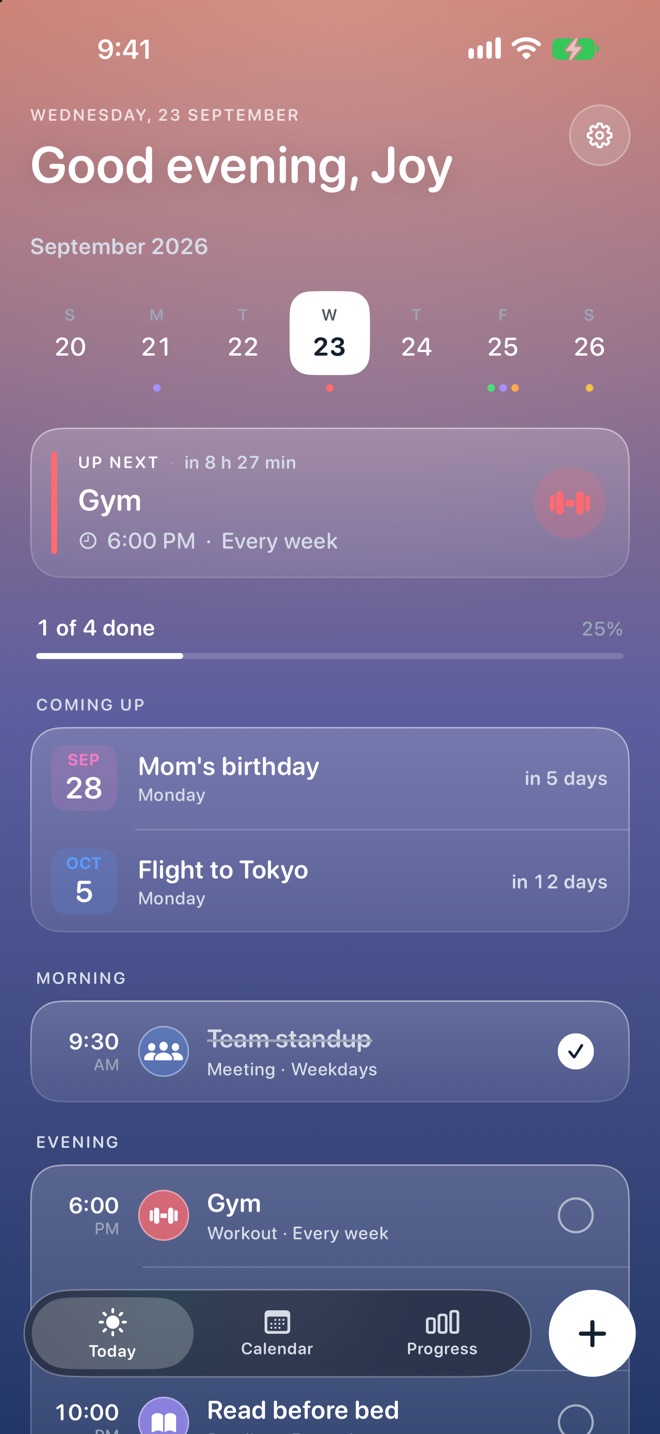
Each style redraws everything, from the page and cards down to the check marks. Pick one and this site changes with it, the Duo included.
Studio also comes in light and dark, with six accent colors.
iPhone and iPad too
The same calm calendar on iPhone, and the month-and-day layout on iPad.
Private by design
No account, no server, no ads and no tracking. Everything lives on your device. Read the privacy policy.